
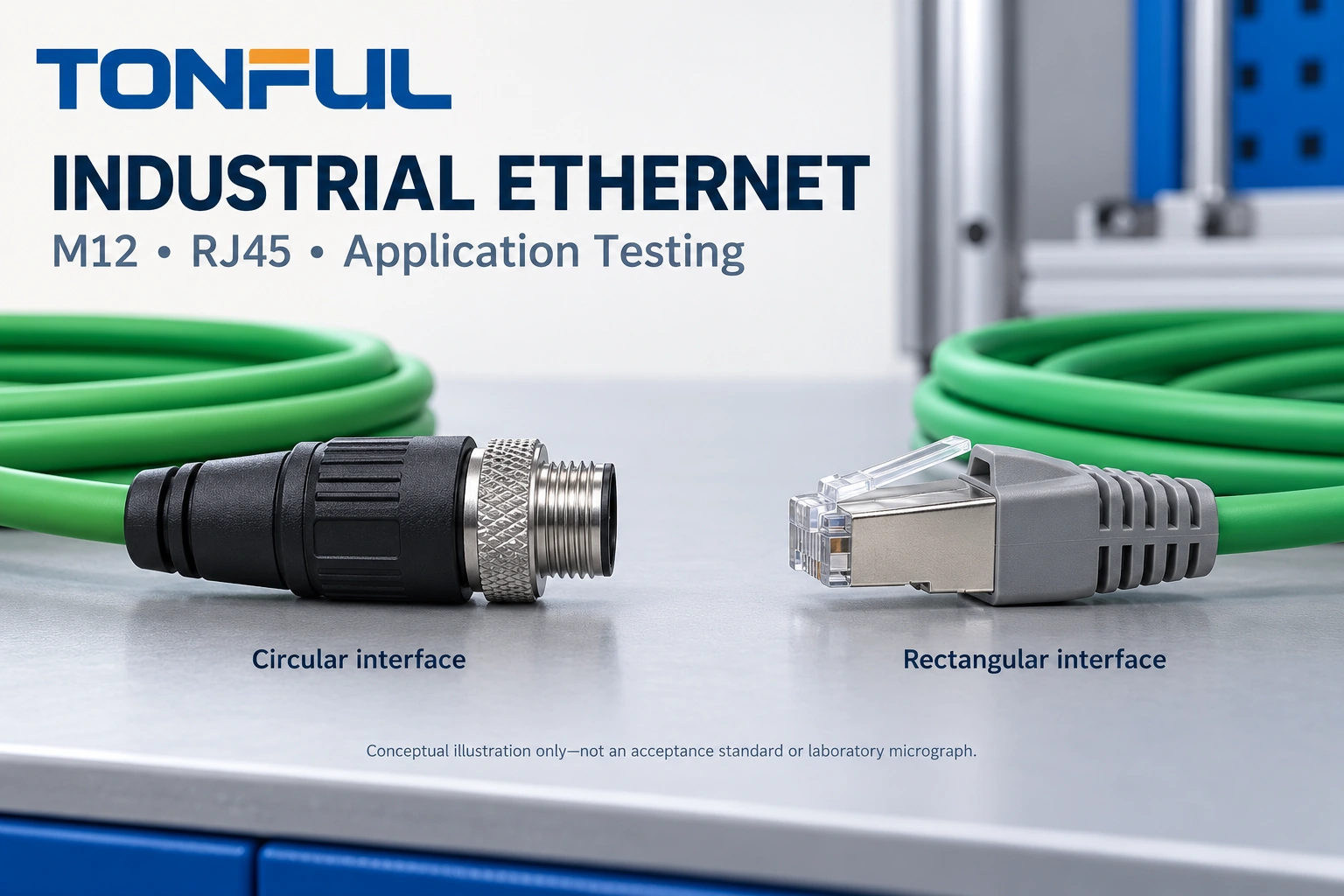
An industrial Ethernet cable can fit both ports, pass a continuity check and still lose communication when a machine moves or a nearby drive starts. Connector appearance does not establish transmission performance, shielding quality, environmental suitability or compatibility with powered equipment.
Choose the assembly as a complete link: device interfaces, pair assignment, cable construction, termination, routing and operating conditions. M12 and industrial RJ45 are interface options, not automatic performance guarantees. This guide compares their selection boundaries and explains how to build an approval plan that goes beyond a link light.
Contents:
- Define the Link Before Choosing a Connector
- Compare M12 and Industrial RJ45
- Specify Cable, Shielding and Installation
- Control PoE and Test Safety
- Build an Application Testing Plan
- Approve and Source the Assembly
Define the Link Before Choosing a Connector
Start with both device manuals and a drawing of the installed route. Identify the required Ethernet link mode, industrial protocol, port connector, available space, cable length and permitted intermediate connections. A PLC connection and a high-bandwidth machine-vision connection may use similar-looking connectors but require different cable constructions and test limits.
Record whether the route is inside a protected cabinet, on a moving axis or exposed to liquid and cleaning. Define the physical-layer requirement separately from the application protocol. A cable that carries Ethernet frames does not, by itself, prove that the complete control system meets its timing or availability requirements.
The requirement should also identify straight or angled exits, plug and receptacle orientation, service access and the exact mating counterpart. Include any bulkhead, coupler or adapter in the link drawing. These components consume space and add interfaces that must remain within the approved performance boundary.
Define the viewing direction on every connector drawing: mating face or termination side, with the key and contact identifiers visible. Opposite views can mirror the apparent layout. Use the controlled pair map rather than transferring wire colors or pin numbers from a different connector family.
Compare M12 and Industrial RJ45
M12 Coding Is Not an Assembly Rating
M12 describes a connector family with multiple codings and applications. Do not treat every M12 connector as an Ethernet interface. D-coded designs commonly serve two-pair Ethernet connections; X-coded designs provide a four-pair interface used for higher-speed links. The exact port and complete cord specification remain decisive.
A useful manufacturer example is Phoenix Contact network cable 1810633. Its specification lists D-coded and X-coded ends, but the complete assembly is rated CAT5 at 100 Mbps. An X-coded end therefore does not automatically make an assembly a gigabit or faster cable. This example is not a TONFUL product claim or a recommendation for every installation.
RJ45 Compatibility Has Mechanical Limits
Industrial RJ45 assemblies can connect to equipment with the appropriate rectangular Ethernet port, but a protective housing may interfere with a recessed socket, adjacent connector or enclosure opening. Verify the complete mating envelope rather than assuming that a familiar plug fits every device.
Likewise, a reinforced latch does not establish a vibration rating. A sealed outer housing does not make the disconnected port waterproof. Retention, ingress protection and environmental performance depend on the specified mating components and installation condition.
| Selection point | M12 interface | Industrial RJ45 interface |
|---|---|---|
| Port identity | Confirm coding, contact arrangement and gender | Confirm port geometry and housing clearance |
| Pair arrangement | Match the coding and populated contacts to the drawing | Match populated contacts and pair assignment to the drawing |
| Retention | Verify coupling design and specified assembly method | Verify latch, protective housing or secondary lock |
| Transmission | Use the complete cord rating and selected test limit | Use the complete cord rating and selected test limit |
| Sealing | Verify mated condition, cable entry and any required cap | Verify housing, mating receptacle and cable entry |
| Maintenance | Allow coupling access and cable-exit clearance | Allow latch access and removal clearance |

Specify Cable, Shielding and Installation
Match the Cable to Its Actual Movement
A bulk cable category marking is not proof that the terminated assembly meets the same performance requirement. Pair untwist, termination geometry, shielding transitions and connector construction all matter. Specify the completed assembly and its acceptance method, not only the jacket marking.
Separate fixed installation, occasional movement, continuous bending and torsion. A drag-chain claim does not automatically cover robot-wrist twisting. Define travel, bend radius, torsion angle, speed, acceleration, supported length and temperature in the approved motion plan. The continuous-flex harness guide explains why motion conditions must be specified together.
Select jacket and insulation using the actual fluids, abrasion, cleaning agents, temperature and exposure duration. Material names such as PUR or PVC are not universal chemical-resistance approvals. Request evidence for the exact construction, including any restrictions on installation temperature or repeated flexing.
Treat Shielding as a System Connection
Record the cable shield construction, connector-shell termination and equipment bonding arrangement. A drain-wire continuity result cannot demonstrate every high-frequency shielding property. Follow the device and system design rather than applying a universal instruction to ground every shield at one end or both ends.
Keep required pair twist and shield geometry through termination. Separate the route from noise sources according to the installation design, and investigate errors during drive switching rather than assuming that adding braid solves every problem. TONFUL’s foil, braid and shield-bonding guide covers these design distinctions.
Provide strain relief without crushing the cable or transferring pull into contacts. Use the specified coupling method and torque where applicable. Do not use a connector as a cable-pulling handle. Confirm bend clearance at the actual enclosure, not only on a bench drawing.
Control PoE and Test Safety
Power over Ethernet requires agreement between the power sourcing equipment, powered device and complete cable path. Confirm the applicable power method, pair usage, current capability, conductor construction, connector rating and temperature conditions. An eight-contact connector is not sufficient evidence of compatibility with every PoE application.
Where required, include DC resistance and resistance unbalance within and between pairs in the validation plan. Also consider bundle heating and the device’s startup demand. A data-only functional test cannot establish power-delivery performance under the installed load.
Before offline testing, disconnect the assembly from active equipment and identify any PoE or other power source. Never apply external power to an unidentified contact or use resistance mode on an energized circuit. Use instruments and adapters rated for the intended circuit. Do not perform insulation or dielectric tests through connected electronics unless the equipment procedure expressly permits that configuration.
Plan safe isolation of machinery before moving cables or disconnecting a control link. Network interruption can affect machine operation. Avoid oversized probes that deform contacts, and do not pierce seals to obtain convenient measurements.
Build an Application Testing Plan
Use Four Distinct Evidence Layers
Approve the test boundary first: an individual cord, an installed channel or an operating machine link. Record instrument model, calibration status, firmware, adapter identity, reference planes, test-limit revision and environmental conditions. A report without these details may not describe the assembly actually being purchased.
| Evidence layer | What to verify | What it cannot establish alone |
|---|---|---|
| Construction inspection | Identity, dimensions, contacts, termination and seals | Transmission margin or service life |
| Wiremap verification | Opens, shorts, reversals, pair mapping and shield path | Required bandwidth or application stability |
| Transmission assessment | Required qualification or standards-based certification measurements | Complete machine behavior |
| Application validation | Actual devices, traffic, power, motion and recovery | Unspecified operating conditions or every future configuration |
Simple continuity can miss a split pair: the electrical connections may be continuous while conductors are grouped into the wrong twisted pairs. Use a suitable pair-aware tester and approved end-to-end map. The wire-harness continuity testing guide describes why continuity results need defined fault coverage.
Distinguish qualification from certification. Qualification assesses support for a selected network technology. Standards-based cable certification evaluates the applicable performance parameters against a selected limit. Neither term should be used merely because a cable passed a basic wiremap check.
For transmission assessment, select the required measurements, which may include insertion loss, return loss, crosstalk, delay and delay skew. Apply only parameters appropriate to the interface and test method. Use suitable M12 or RJ45 adapters; do not substitute an arbitrary adapter and assume its contribution disappears. Retain measured results and margin, not just a screenshot saying pass.

Test the Installed Application
Connect the intended controller, switch, camera or other endpoints using the approved hardware and firmware. Record negotiated speed, duplex, traffic pattern, operating duration and relevant error counters. Monitor link drops and recovery as well as communication performance under the agreed workload. A successful ping or illuminated link indicator is only an initial observation.
Exercise the conditions that drive risk: machine movement, permitted cable positions, nearby drive operation, power cycling or PoE startup. Set acceptance criteria before testing, including allowable interruptions and recovery behavior. Do not invent a universal packet-loss limit for every industrial protocol or machine.
For example, a stationary bench link that drops only when an axis reaches full travel requires investigation of bend geometry, strain relief and intermittent contacts. A link that fails during drive operation suggests checking bonding, routing and noise susceptibility. These are investigation directions, not proof of a root cause. Change one controlled variable at a time and preserve logs.
Allocate Samples and Preserve Failures
The project owner should approve sample quantity, lot coverage and worst-case configurations. State whether environmental and motion exposures use separate groups or a defined sequential group. Keep an unaged reference when comparison is needed, and allocate destructive inspection separately.
Measure baseline performance, monitor during exposure where required, then repeat the specified measurements afterward. Record invalid-test reasons and authorized retest rules. A failed sample must not be silently replaced with a passing spare; retain it for investigation and disposition.
Choose environmental exposures from the installation risk assessment: temperature, humidity, vibration, fluid contact or ingress testing may apply. State the mating condition and cable-entry configuration for any sealing evaluation. Specify whether electrical performance is monitored during exposure or checked only afterward, because a post-test pass can miss an intermittent interruption. The approved plan must define exposure severity, recovery conditions and acceptance sources; connector-family names do not supply these values.
Approve and Source the Assembly
Copyable Assembly Approval Record
| Record field | Required entry |
|---|---|
| Assembly identity | Part number, revision, sample ID and production lot |
| Device interfaces | Both device models, port drawings and firmware |
| Wiring | Connector end views, cavity map, pair map and shield connection |
| Cable and route | Construction, length, jacket, supports and motion conditions |
| Power | Data-only or specified PoE arrangement and operating load |
| Test setup | Instrument, adapters, calibration and selected limits |
| Sample allocation | Quantity, baseline group, exposure sequence and destructive group |
| Results | Raw reports, margins, operating logs and observed failures |
| Disposition | Acceptance document, deviations, approval scope, reviewer and date |
Keep production controls linked to the approved sample. Changes to cable source, connector, termination tooling, shield treatment or overmold geometry require review for their effect on the qualification boundary. Define routine inspection separately from design validation; a production wiremap record does not replace the original transmission and application evidence.
Work With TONFUL
For an RFQ, provide both device interfaces, required link mode, length drawing, wiring map, shielding arrangement, installation environment and any PoE or motion requirement. Specify the reports and approval records needed before production release.
TONFUL’s custom data cable assembly range provides a starting point for project discussion. Ask TONFUL to confirm the exact M12 or RJ45 configuration, sample construction and available project-specific test evidence. Release only the documented combination of cable, connectors and application conditions, rather than extending one successful sample to every industrial Ethernet installation.
Send the controlled requirements and drawing revision through TONFUL’s project contact page so the quotation, sample request and validation scope refer to the same configuration.